
Product construction
The acrylic character and base are made as separate pieces. The editor previews the stand tab and supporting structure together.

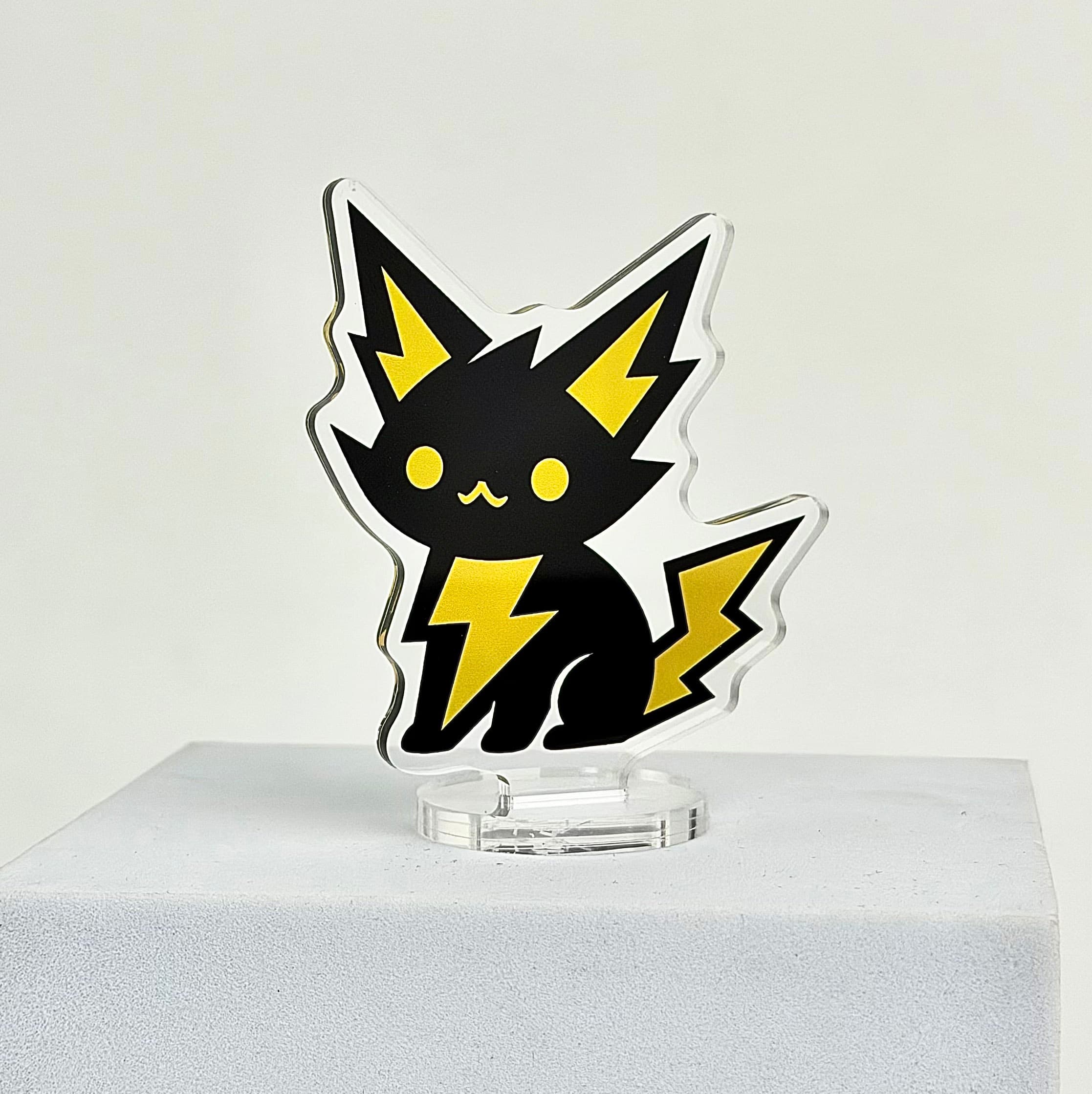
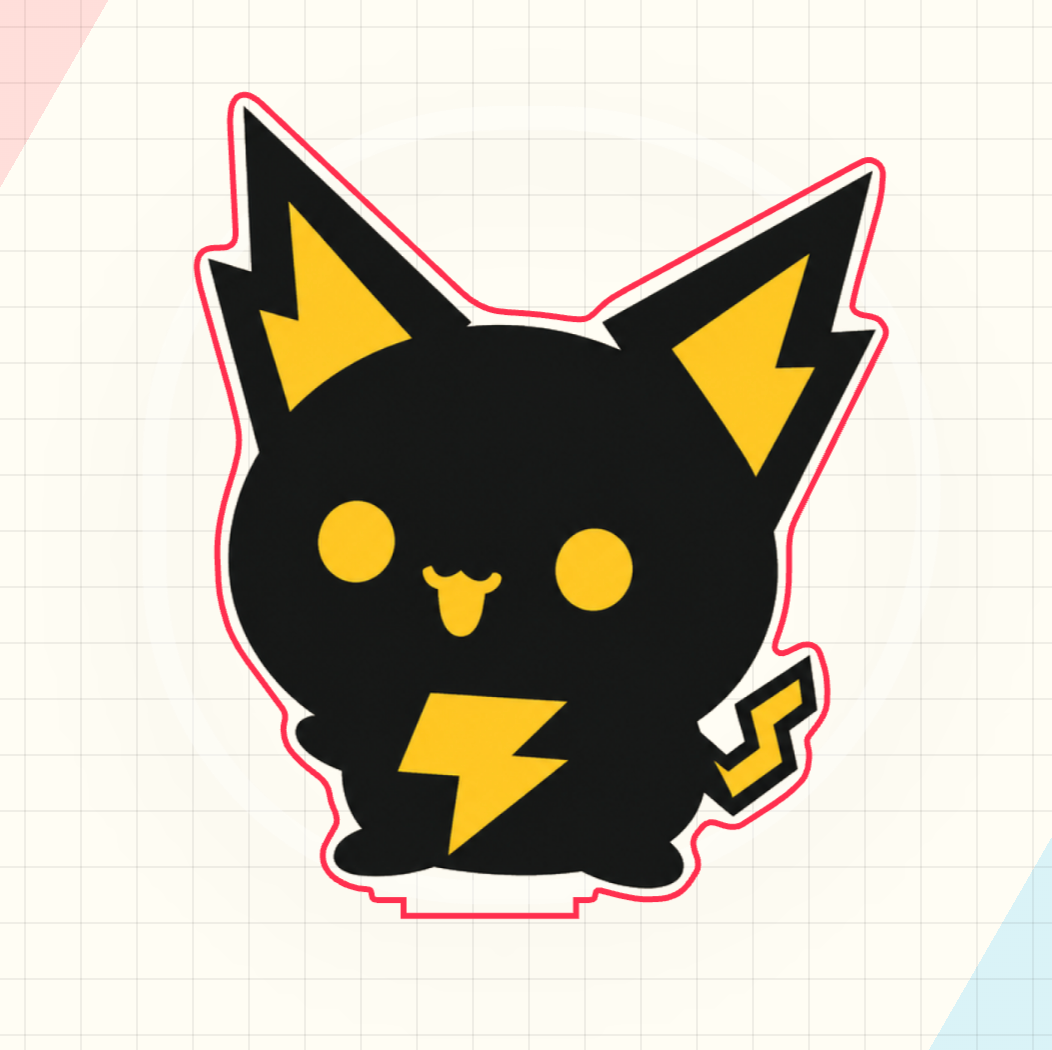

Upload your artwork and preview the automatic cutline, stand tab, base placement, and 3D result before ordering.
Upload artwork → confirm the preview → add the configured product to cart from the editor.
The product page shows what you can make. The editor turns your artwork, size, and product structure into a preview you can check.
Made to order after payment and artwork confirmation. Delivery transit time is additional.
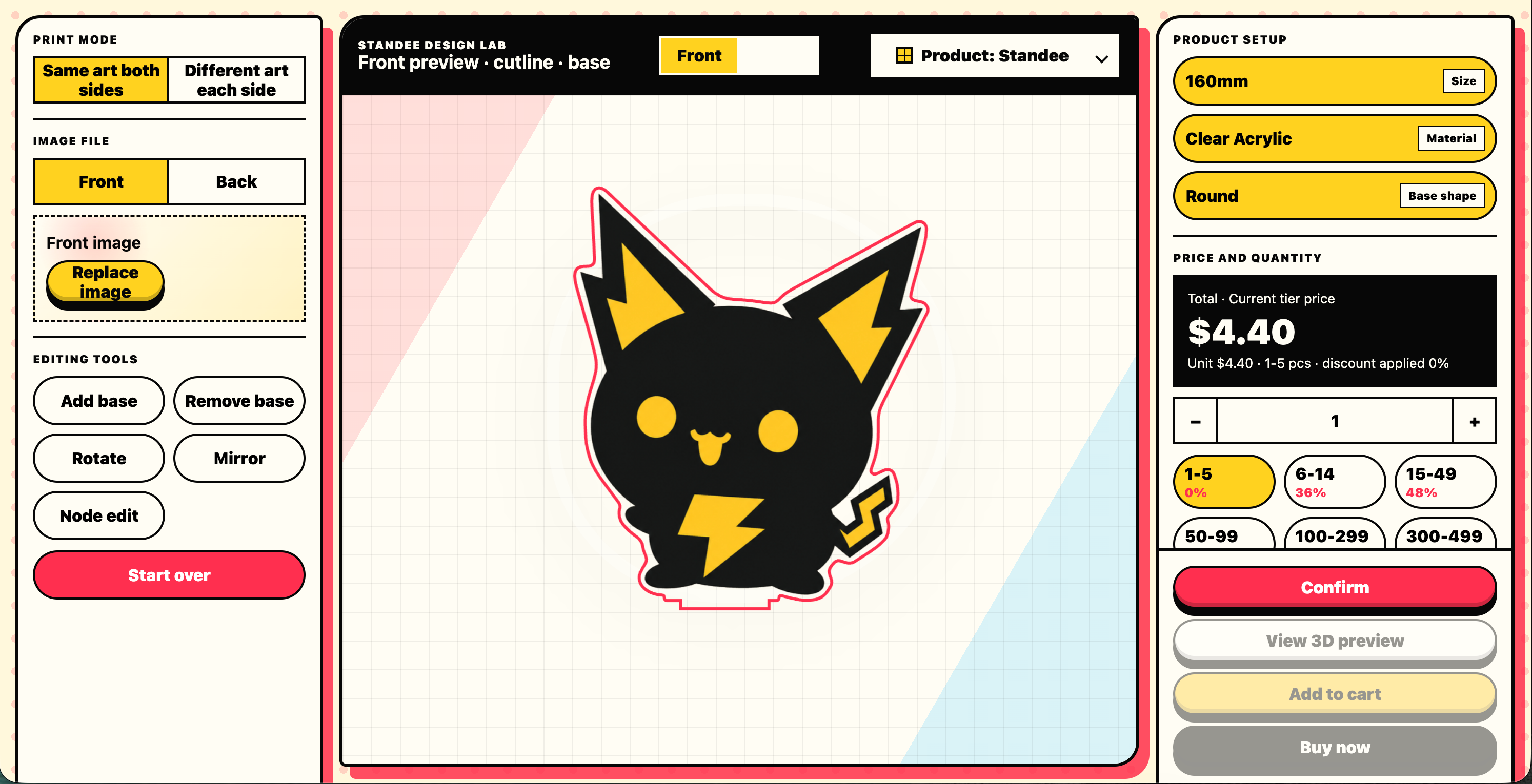
The page shows the lowest available variant price. Final pricing changes with size, material, and quantity in the editor.
Keychains, standees, and stickers use separate quantity tiers. Different products do not combine toward one tier.
See live pricing in the editor →The acrylic character and base are made as separate pieces. The editor previews the stand tab and supporting structure together.
Check the artwork outline, base position, and 3D result before choosing size and quantity.
Character displays, desk decor, event merch, and one-off samples.
Yes. Acrylic standees have no bulk minimum, so you can make one piece.
Yes. This page shows the lowest available starting price. The editor shows the price for your selected size and quantity tier.
Open the editor, upload your artwork, then confirm the preview, size, and quantity. The configured product is added to cart only after confirmation.